Customers, inventory and goalsPro
Who is actually profitable, what the stock on your shelves is worth, and whether you are on track.
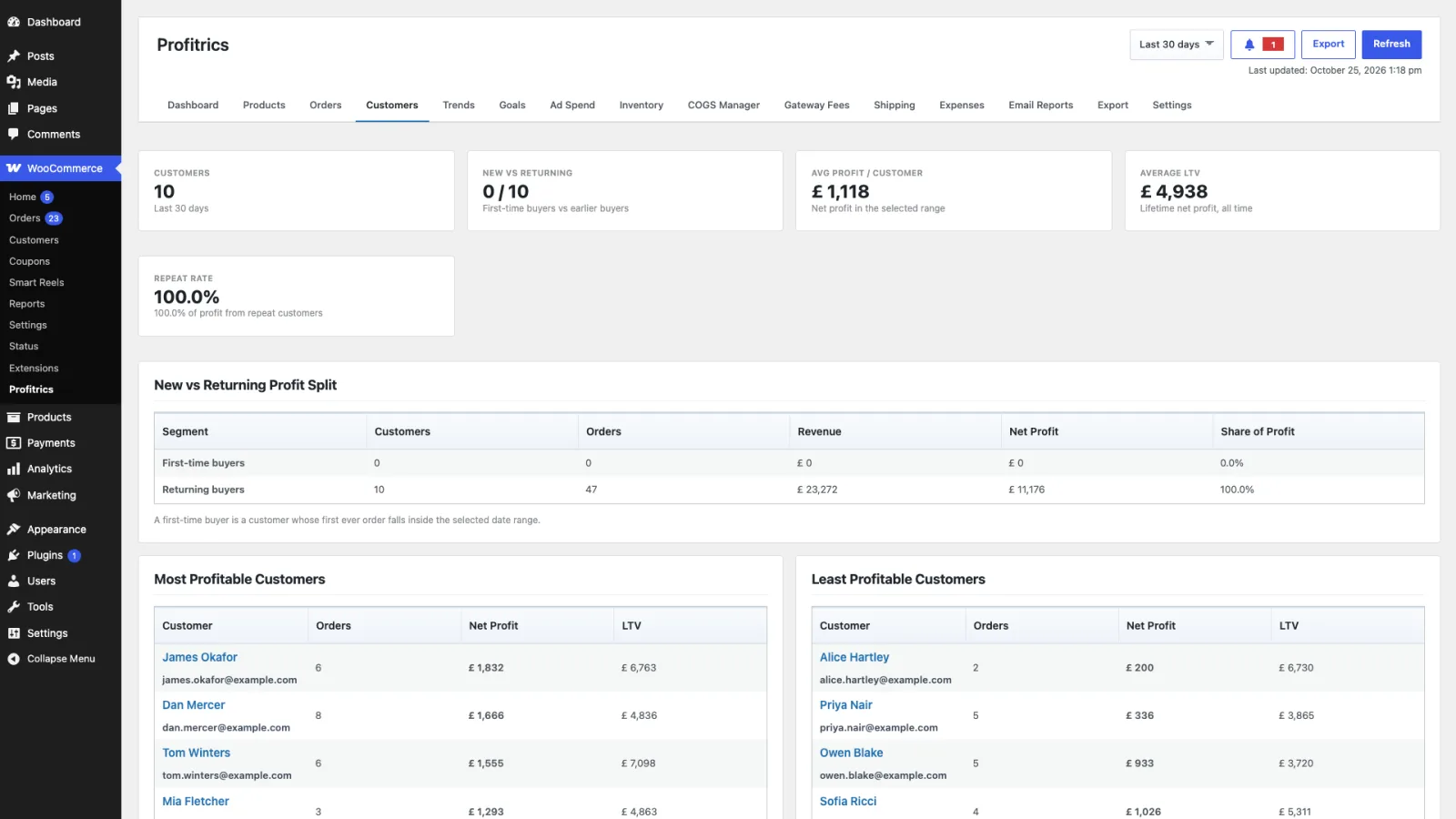
Customers
The same profit calculation, grouped by customer instead of by product. It reports the most and least profitable customers, new against returning, and cohorts by when they first bought.
The least profitable list is the useful one. High-revenue customers with heavy discounts, expensive shipping or frequent returns can cost more than they bring, and nothing in WooCommerce surfaces that.
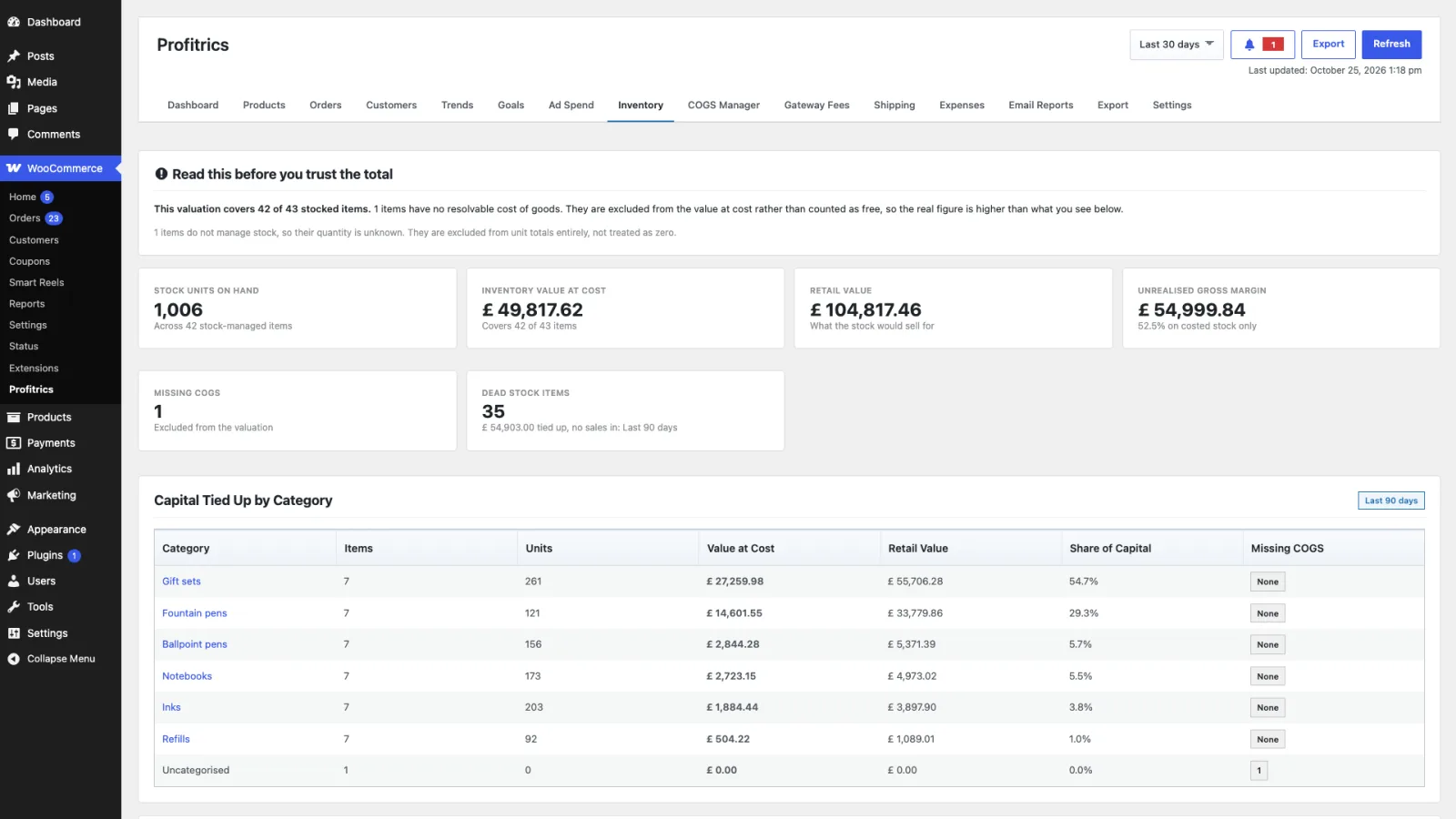
Inventory
What your stock is worth at cost, which is capital sitting on a shelf rather than in the bank. It values stock on hand using the same costs as everything else, so entering costs improves this screen too.
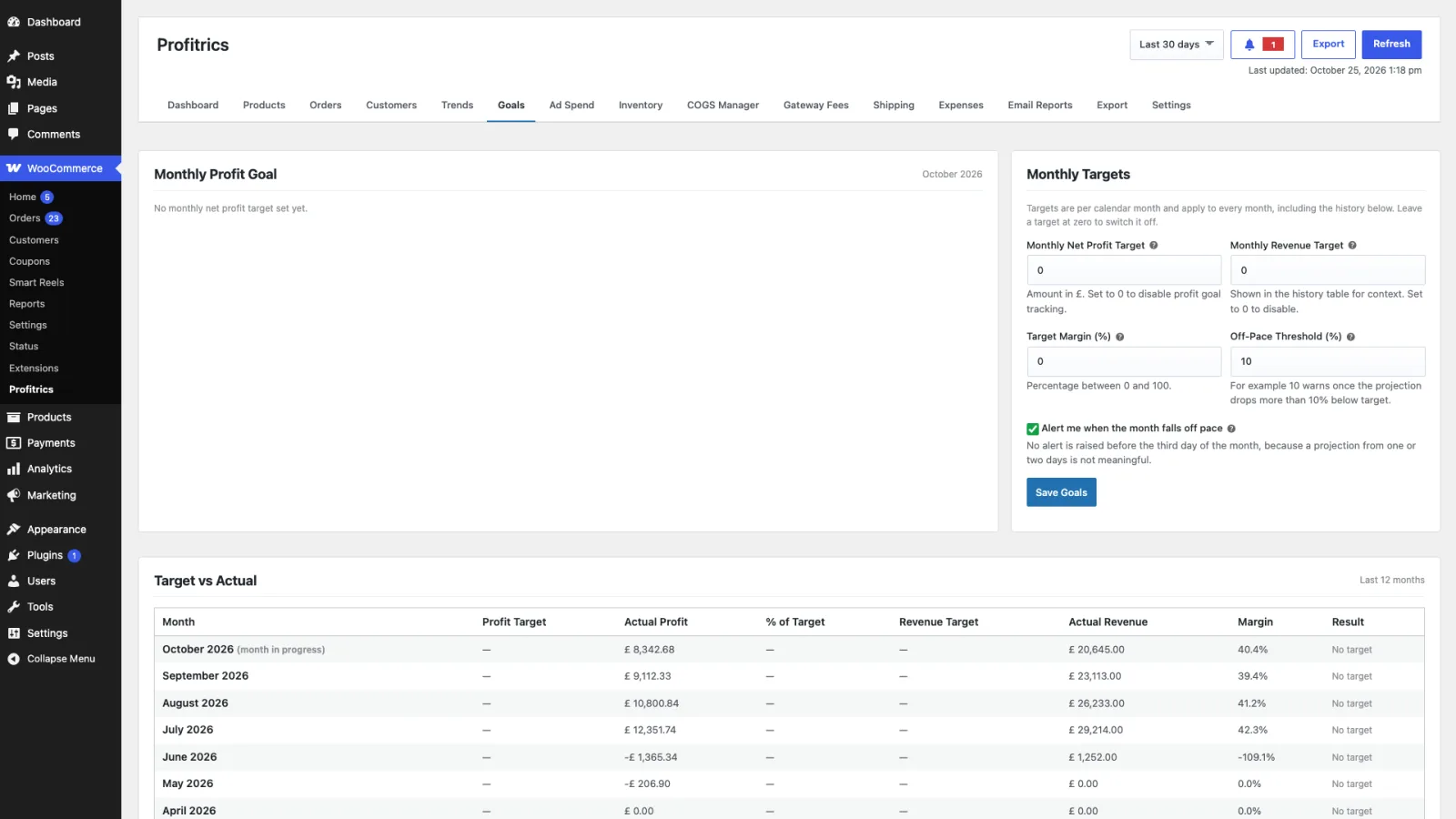
Goals
A target for revenue, profit or margin, with progress against it for the current period. Goals change nothing about the calculation; they put a line on the chart so the dashboard answers whether the month is going well rather than only what the month is.