Reports, exports and email
Getting the numbers out: CSV, PDF, and scheduled summaries to you or your accountant.
Trends
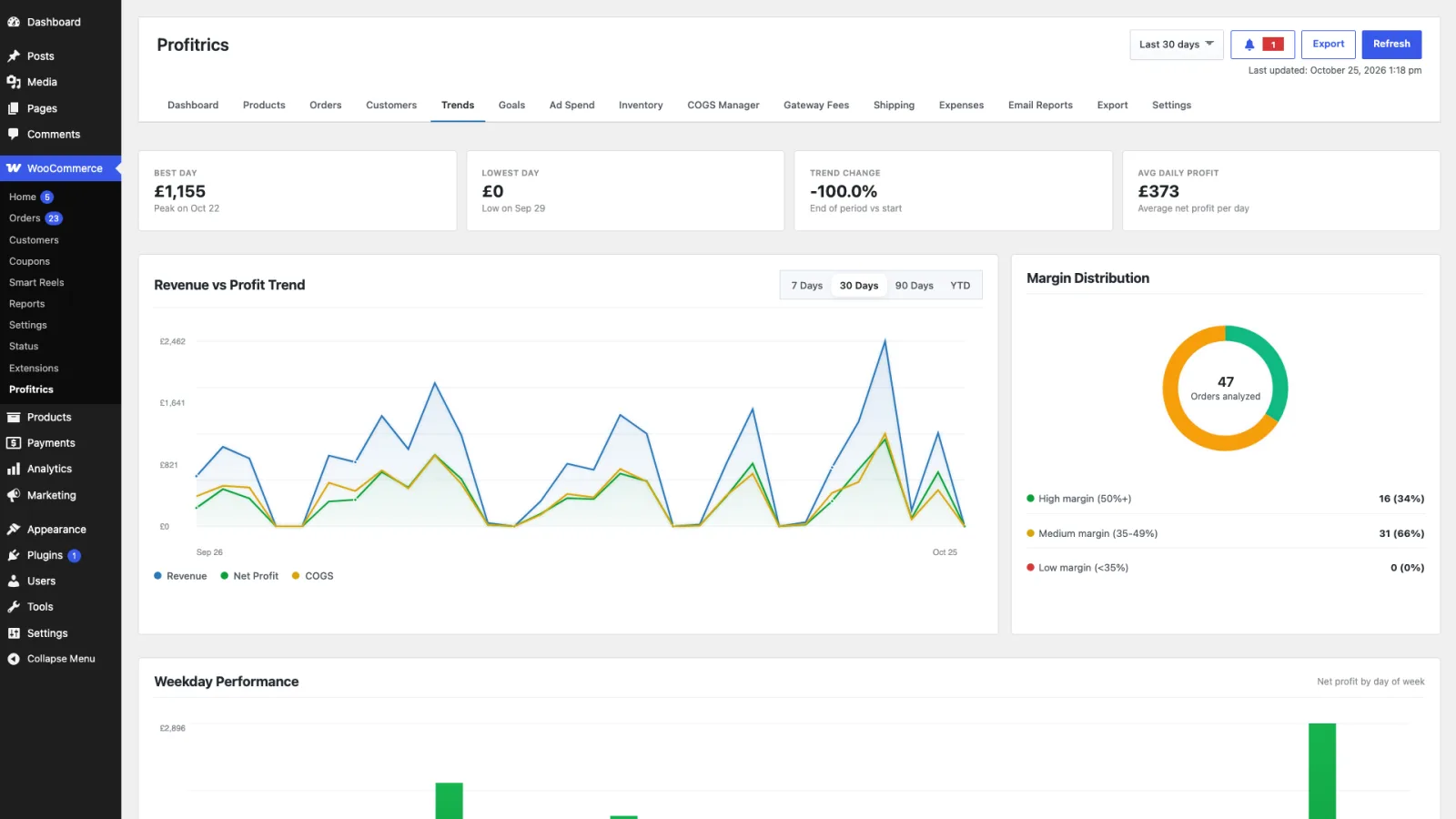
The Dashboard says where you stand. Trends says which way you are moving: best and worst day, average daily profit, the direction of change, and margin trend by product and category. It is a Pro screen.
CSV exports
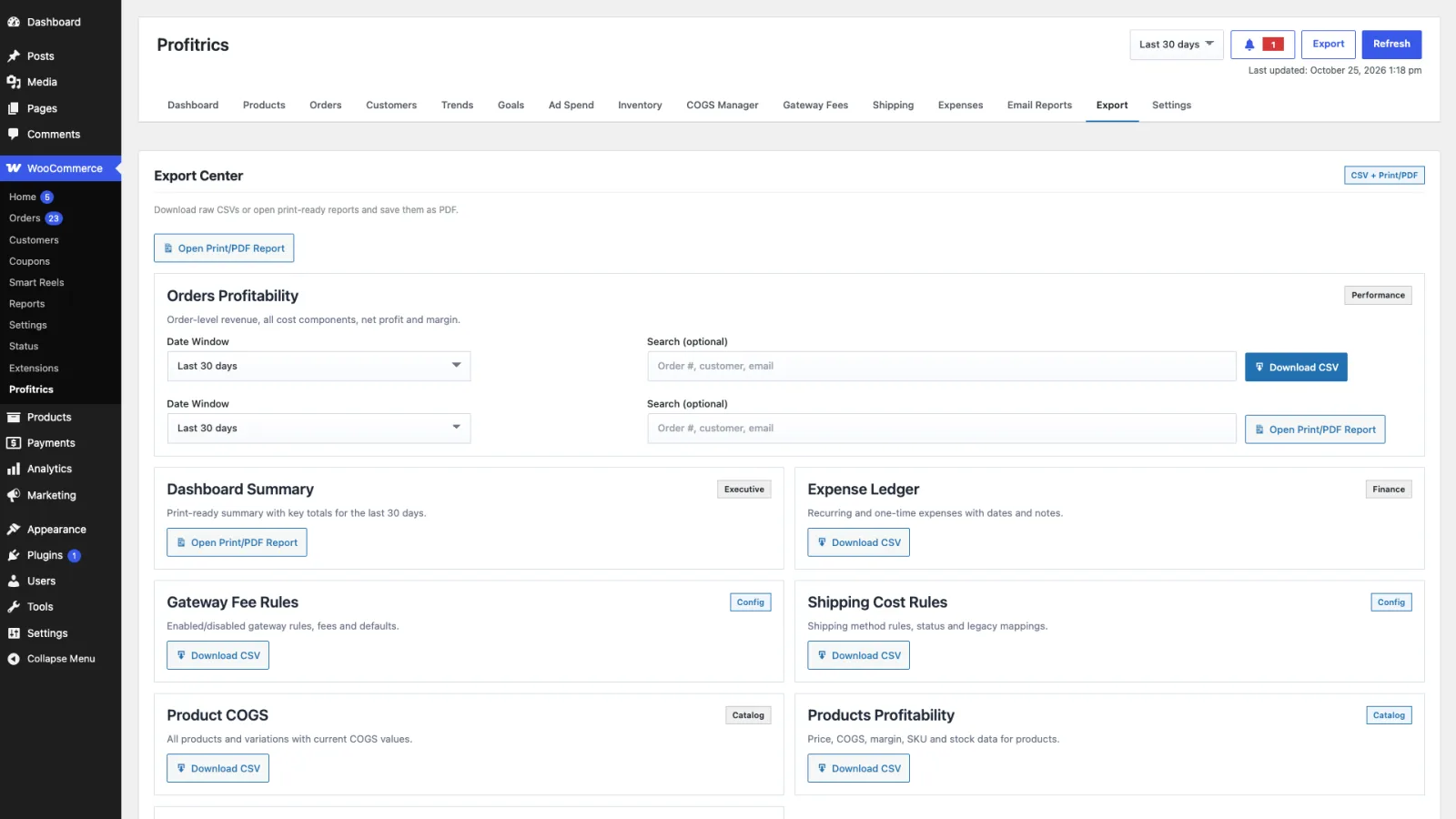
The Export tab produces CSVs of costs, products, orders, expenses, gateway rules, shipping rules and your settings. The product CSV is in both editions; the rest are Pro.
The cost export is also the easiest way to prepare a bulk cost update: export, edit the file, and import it back through the COGS Manager.
PDF reports
Print ready summaries of the dashboard, the orders report and the products report, for sending to somebody who will not be logging in to look. Pro only.
Scheduled email reports
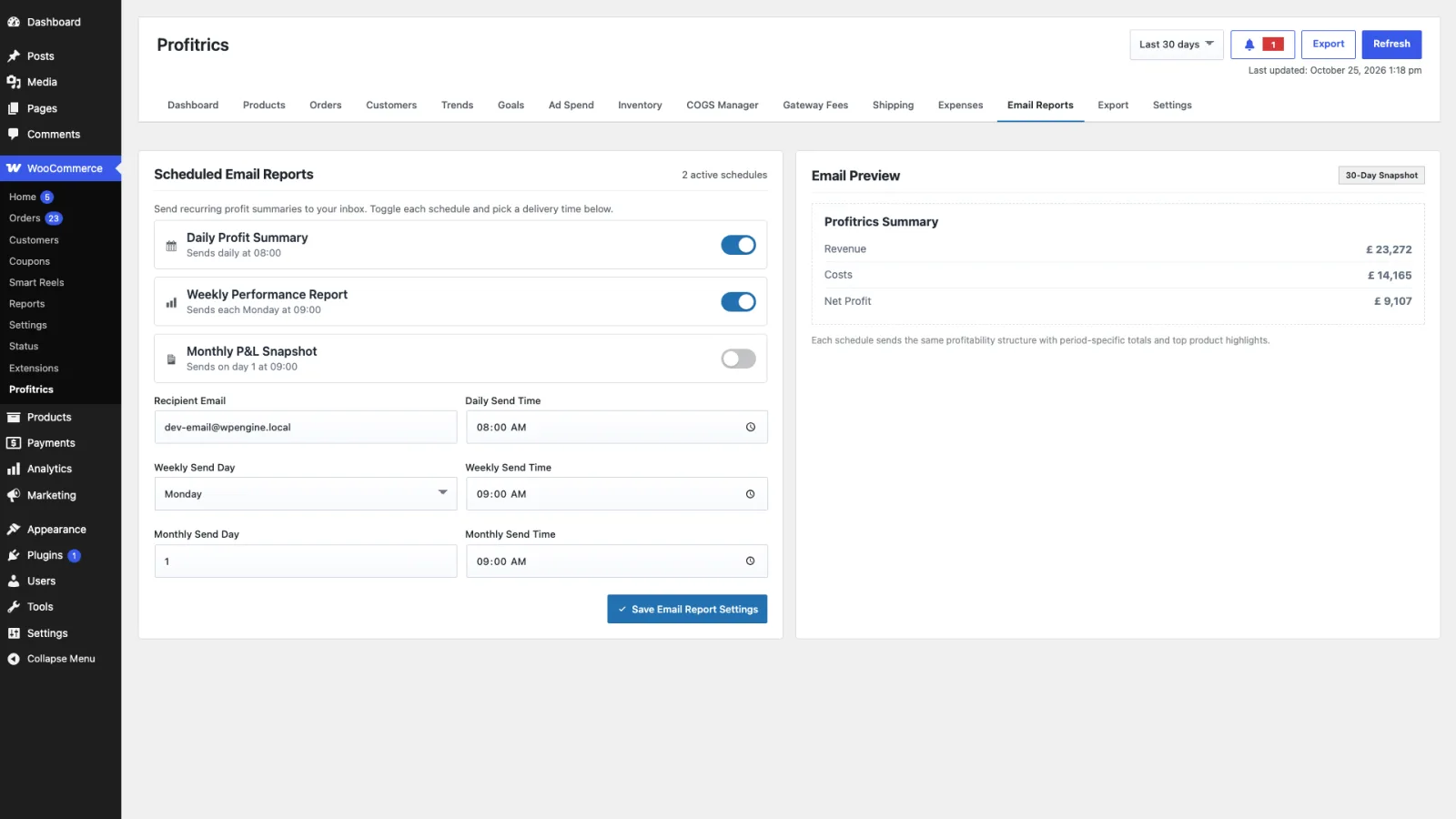
Daily, weekly and monthly profit summaries, each enabled separately with its own send time, and the weekly and monthly ones with a day of the week or month. Any number of recipients, which is how an accountant gets the monthly figures without an account on your store. Pro only.