Setting product costs
Cost of goods per product and per variation, which is the one number Profitrics cannot work out for itself.
Cost of goods, or COGS, is what a product cost you to buy or make. It is the largest cost in most stores and the only one Profitrics has no way to infer, so everything else on every other screen depends on it being right.
On the product itself
Profitrics writes to WooCommerce's own cost of goods field, the one WooCommerce added in 9.5, rather than keeping a private copy. Edit a product, open the General tab, and set the cost there. Anything already in that field is picked up with no import.
For a variable product, each variation carries its own cost, set on the Variations tab. A variation with no cost of its own falls back to the parent product's cost if the variation fallback setting is on, which it is by default.
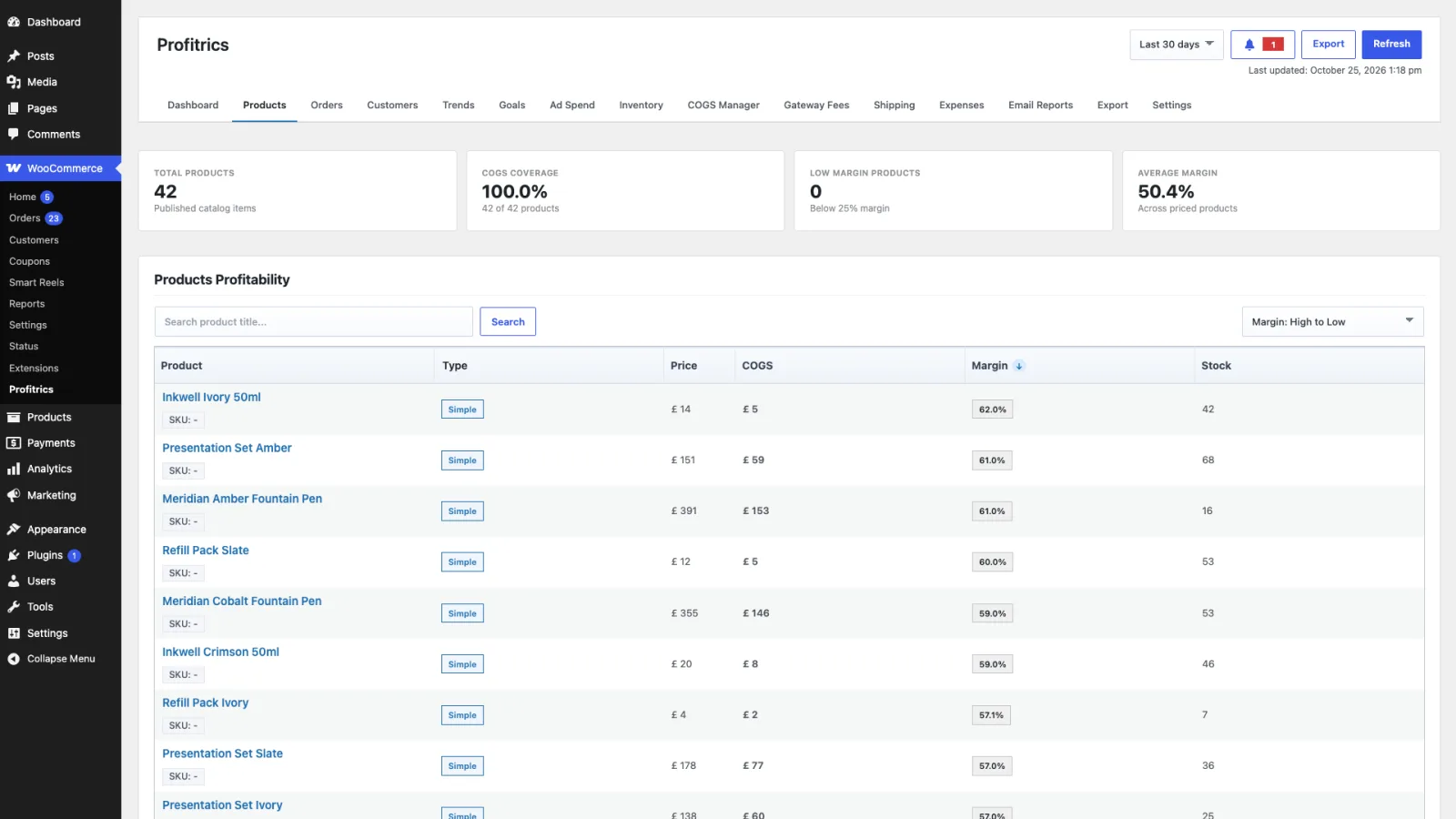
Checking your coverage
The Products tab reports coverage: how much of your catalogue has a cost at all. This is the number to watch while setting up. A store reporting 94% margin and 12% coverage is not a profitable store, it is a store with 88% of its costs missing.
Sort by margin, highest first, to find products with no cost. They sit at the top, at or near 100%.
Doing it in bulk
Typing costs one product at a time is fine for a small catalogue and unreasonable past a few dozen. The COGS Manager edits every product and variation on one screen, imports costs from a CSV, and sets rules that apply a cost automatically. It is a Pro screen.
Applying costs to orders already placed
An order stores the cost that applied when it was calculated, so that changing a product's cost next year does not silently rewrite last year's profit. The consequence is that entering costs today leaves historic orders untouched until you ask for them to be rebuilt.
Open the Orders tab and use Apply Costs to Past Orders. See Orders for what the filters there do.